Connect Zernote for user research in Claude Directory
Zernote is now in the Claude Connectors Directory so UX researchers can connect their interview library, open transcripts, and work from research notes without leaving Claude chat.
What
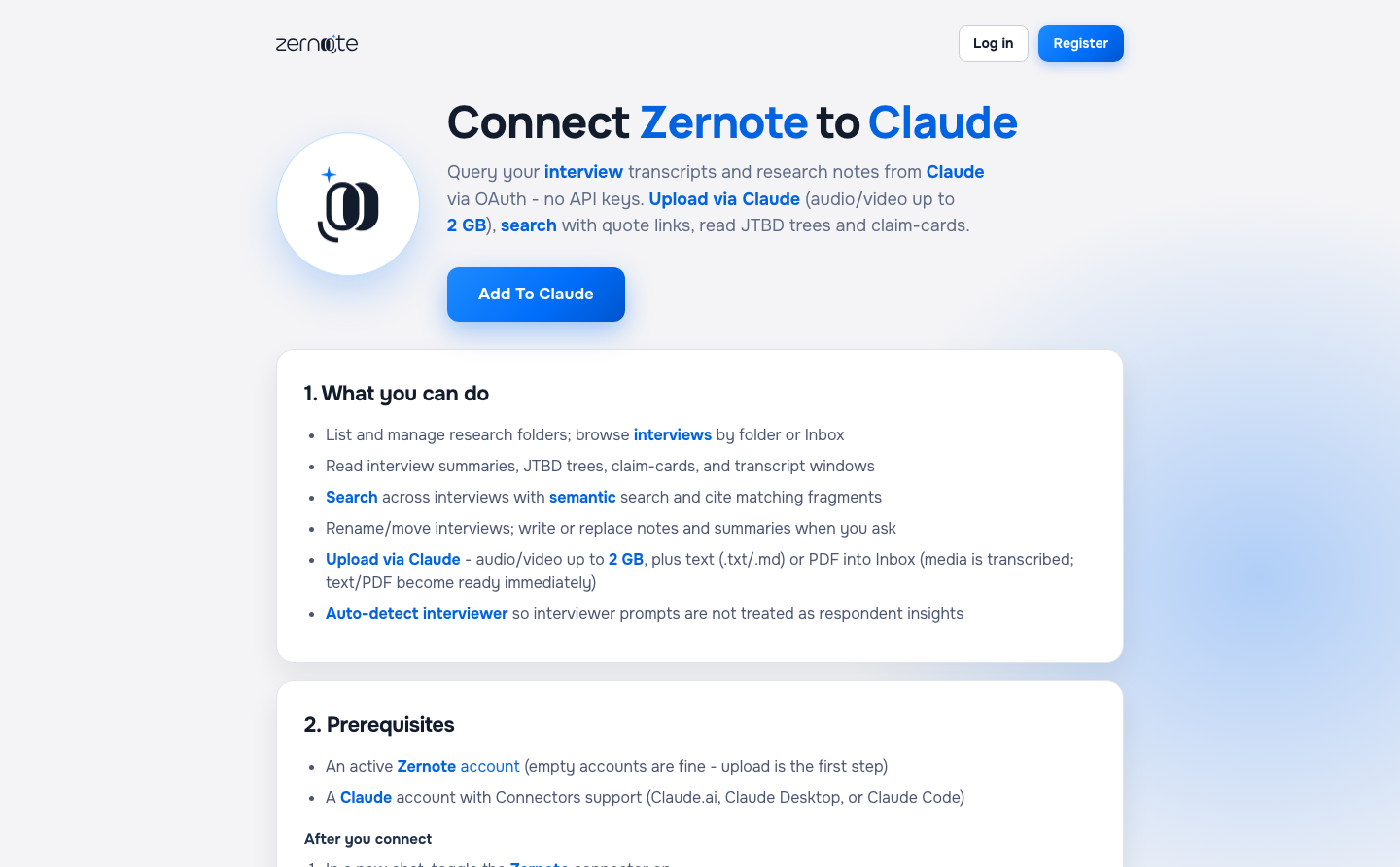
Zernote ships as a Community connector in the Claude Connectors Directory. Open the listing, click Connect, and finish OAuth. You do not paste a custom MCP URL.
After connect, Claude can read folders, interviews, notes, search hits, and JTBD in the same thread where you write.
Listing: claude.ai/directory/connectors/zernote. Setup: zernote.com/connect-claude.
Why
Custom connectors were easy to miss and often needed a paid Claude plan. Researchers already draft findings in Claude. Leaving chat only to fetch a quote slows the write-up.
A directory listing lets Claude surface Zernote when someone asks about interviews, transcripts, or customer research.
How to use
- Open the listing and click Connect. Complete OAuth for your Zernote account.
- Or open Claude Settings → Connectors and search for Zernote.
- In chat, ask Claude to list folders, open an interview, and pull notes or quotes.
- Use the website for browsing and playback. Use Claude when you write with evidence beside you.
Good to know
This is a Community connector. It lacks Anthropic’s Verified badge. You can say Zernote works with Claude. Do not claim Anthropic approved the product.
Directory search can lag right after publish. If Claude search has not picked up Zernote yet, use the direct listing URL above.
Topics