Name the interviewer across interviews
Zernote Voiceprint helps UX researchers name the interviewer once after speaker diarization, then reuse that identity on other interviews that share the same voice.
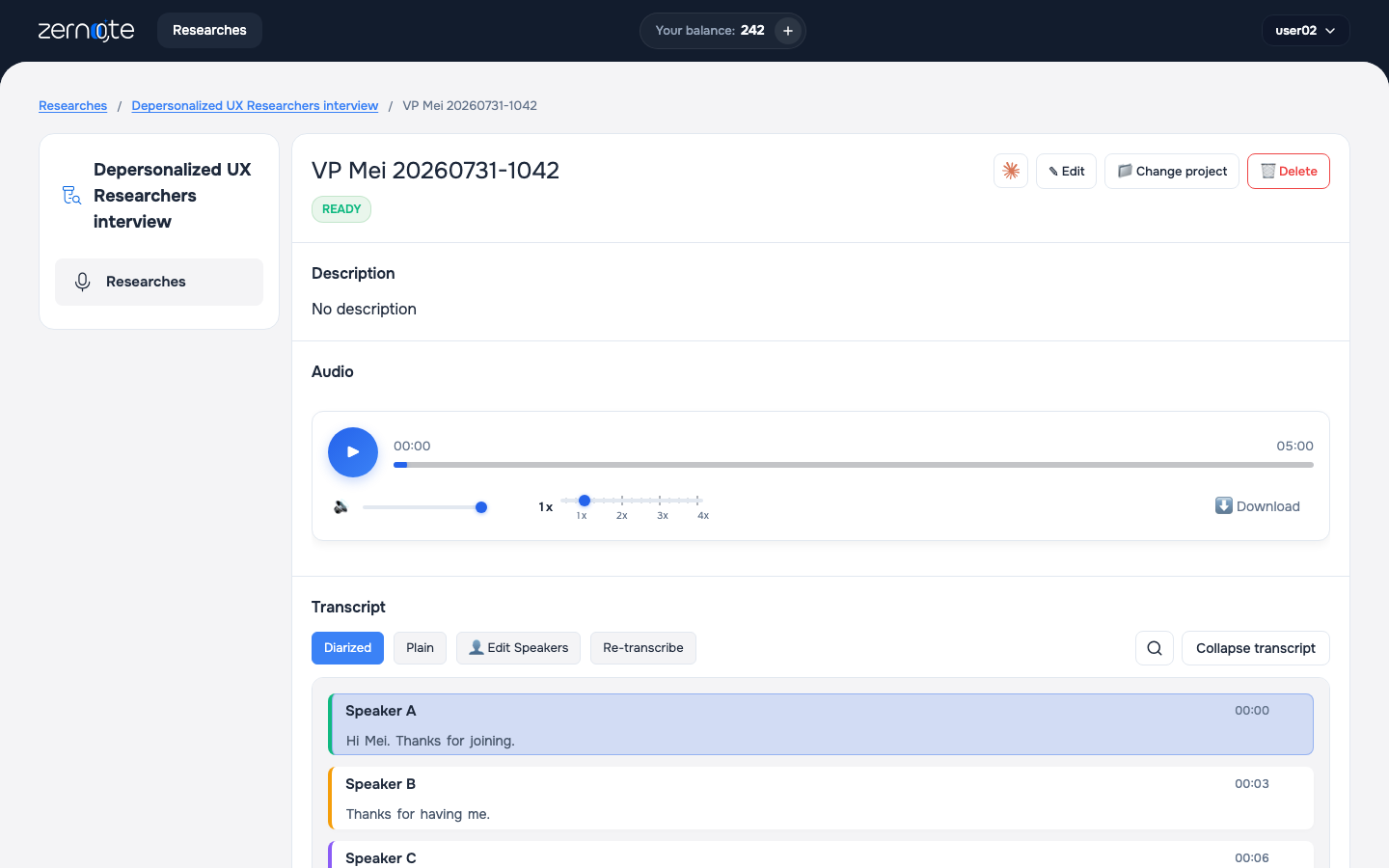
What
After diarization splits a call into speakers, Zernote guesses which voice is the interviewer.
Confirm the real name once. Other interviews with the same voice can inherit that identity later.
On the website this is Assign Speaker Names. In Claude you confirm through speaker tools when an interview still needs approval.
Why
Interviewer questions sit outside respondent insights. Mix them and analysis gets noisy.
Typing speaker names on every file does not scale. One confirmation should cover the same voice across your library.
How to use
- Open an interview that still needs speaker names.
- Read a few first phrases for each label. Decide who is asking the questions.
- Type the real name. Confirm only the interviewer in that step.
- Re-list interviews. Only leftover voices need another pass.
Good to know
Voiceprint runs on audio and video that went through STT. Text and PDF uploads skip diarization and voice matching.
Confirm one interviewer label at a time. Do not mark every label as the interviewer in one shot.
Topics